
Ecoformed · Studio Applications
Digital Lumber Yard
Map realistic algorithmic wood grain onto any 3D model — then export a print-ready .3mf with per-triangle color data baked in for Bambu Lab AMS.
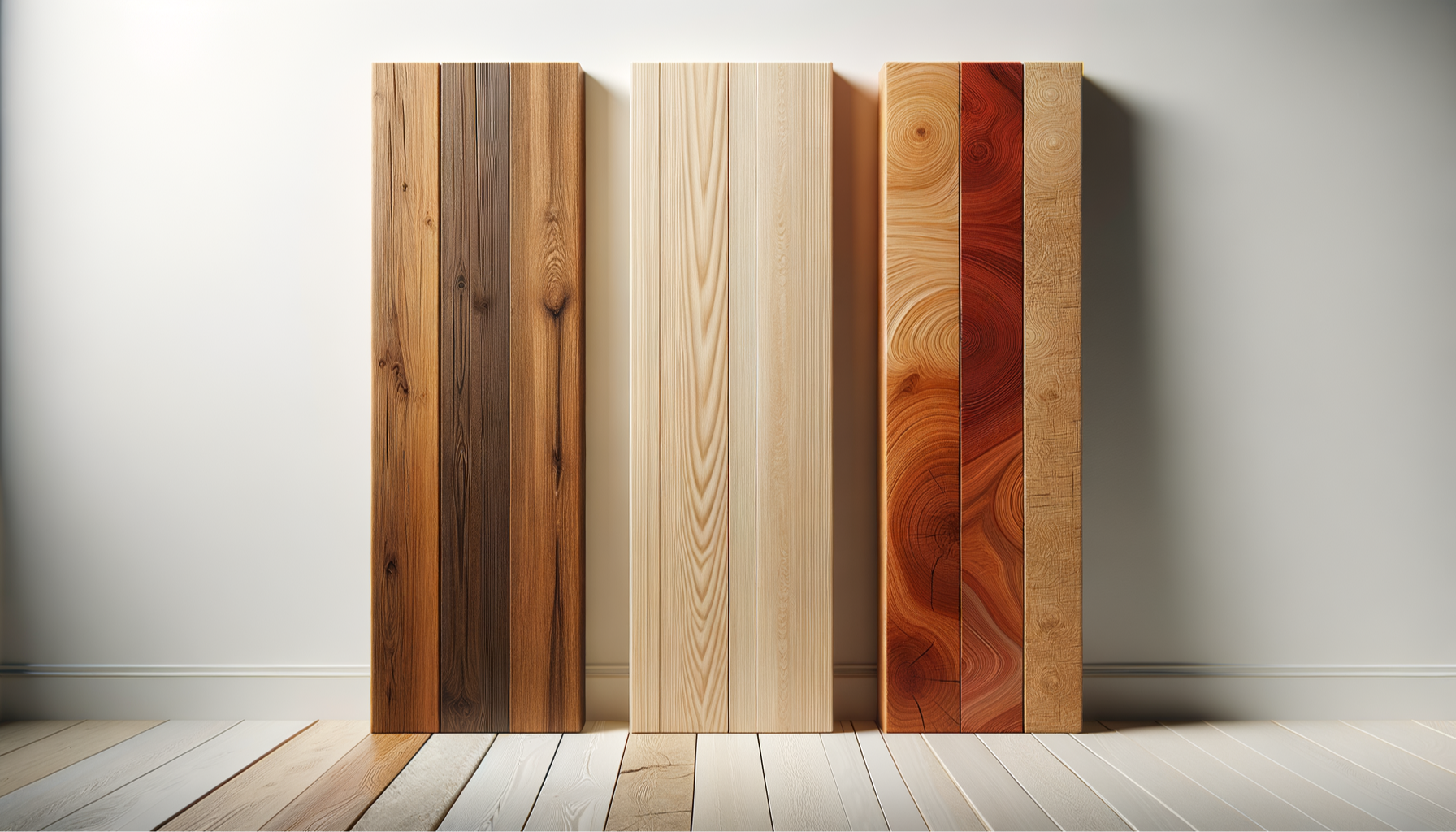
How it works
From grain choice
to print-ready file
Four steps from an idea to a multi-color 3MF configured with real wood character — built into the geometry, not applied as a finish.
01
Choose grain and colour
Pick a grain character — Fine Straight, Quarter Sawn, Bird's Eye, Burl, and more — then select your wood-fiber filament palette from the material library.
02
Dial in the sliders
Adjust ring spacing, grain scale, contrast, and figure intensity. The GPU preview updates in real time as you tune — no guesswork, no re-uploading.
03
Upload your part
Drop in your STL or 3MF. The grain maps to your geometry instantly in the browser — you see your actual part grain-configured at the material level.
04
Download and print
Export a single-body multi-color 3MF with per-triangle material attributes pre-assigned. Open in your slicer, assign filaments, and print.